
Building a Complete SaaS Frontend on WordPress for an AI Social Media Platform
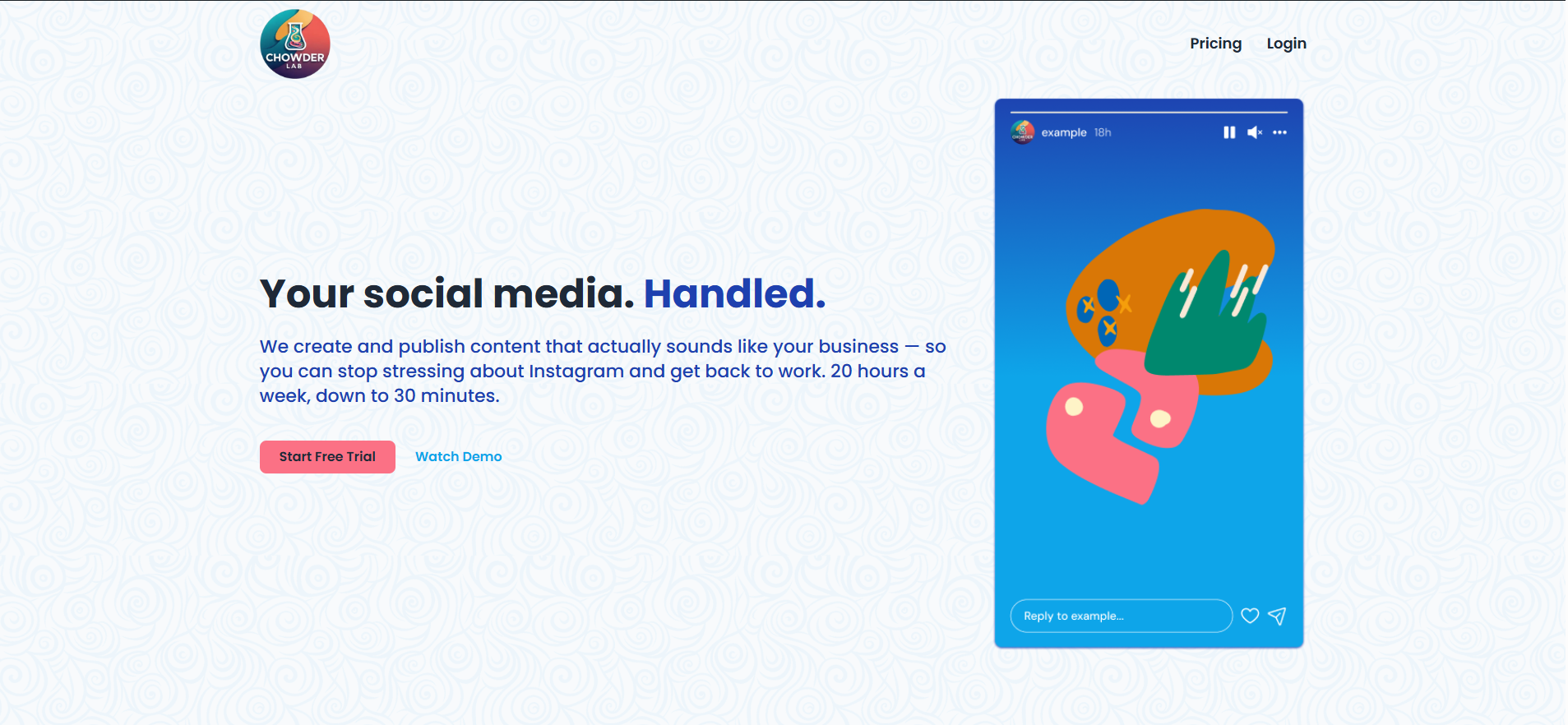
Most WordPress developers can build a landing page. Far fewer can take a fully designed Figma file, a live custom plugin backend, and a WooCommerce subscription system — and turn all of it into a polished, cohesive SaaS WordPress frontend that feels like a real software product. That is exactly what Chowder Labs needed. An AI-powered social media marketing platform for Caribbean businesses, Chowder Labs had their entire backend built — REST API, custom dashboard plugin, WooCommerce memberships, Meta OAuth flow — and needed a developer who could build the frontend around it without touching a single line of PHP. This post covers how we approached it, what made it complex, and what any SaaS founder should know before commissioning a WordPress-based platform build.
The Client and the Problem
Who They Were
Chowder Labs is an AI-powered social media marketing SaaS platform built specifically for Caribbean businesses. Their WordPress backend was already complete — two custom plugins (a REST API and a dashboard renderer), WooCommerce Subscriptions with four membership tiers and seven-day free trials, WPForms with onboarding and campaign burst forms, ACF Pro fields for all custom post types, and a fully working Meta OAuth flow for Instagram and Facebook connections. Post-signup redirect logic, subscription automation, and content publishing were all running in PHP before a single frontend page had been designed.
What Was Not Working
Despite a fully operational backend, the platform had no polished frontend. The staging site was running a generic WordPress theme with unstyled shortcode output, no marketing pages, no branded authentication flow, and no SaaS dashboard shell. The Figma design file — covering homepage, pricing, all auth pages, five dashboard screens, and WooCommerce templates — was complete and waiting. The brief was clear: build everything from Figma using Elementor Pro, apply CSS styling to existing plugin output without modifying any PHP, and deliver a platform that felt like a real SaaS product.
The scope covered 20+ custom pages and screens, a reusable sidebar navigation shell, responsive implementation across three breakpoints, WooCommerce deep customisation, and a final migration from staging to production. This is the kind of project that requires a developer who understands both design systems and WordPress architecture — not just someone who knows how to drag Elementor widgets. This is the core of what I offer through my custom WordPress development services at CodeSyte.
What I Proposed
Reviewing the Brief Before Quoting
Before responding with a number, the full brief was reviewed in detail — including the Figma prototype, the plugin shortcode list, the WooCommerce product structure, and the milestone breakdown the client had suggested. The response included a full written scope breakdown, confirmed questions about hidden modal states and empty states (the rejection feedback modal was already built into the plugin), and proposed five milestones matching the client's suggested structure.
Five Milestones, $750 Fixed Price, 28-Day Delivery
The agreed milestone structure was:
- M1 — Homepage, Pricing page, shared Footer template
- M2 — Auth pages (Login, Register/Checkout, Forgot Password), styled WooCommerce checkout, WPForms pages
- M3 — Dashboard sidebar shell and all five dashboard pages with shortcode styling
- M4 — WooCommerce product page templates, My Account styling, checkout trial messaging
- M5 — QA, responsive testing, Lighthouse optimisation, staging-to-production migration
At $750 for a 20+ page SaaS frontend, this was a cost-effective engagement made possible by a well-prepared client. The Figma file was detailed, all copy was provided, the backend required no modifications, and the milestone structure was clear from the start. When a client comes prepared, delivery is faster and the final product is better. This is the principle behind every Figma to WordPress project I take on at CodeSyte.
The Build Process
Theme Migration to Hello Elementor
The staging site was running a generic multipurpose theme. Before any page building started, the theme was switched to Hello Elementor — a lightweight, Elementor-native base that provides a clean foundation without bundled features, demo data risk, or unnecessary CSS overhead. This was the same recommendation made on the MyoSmile project and for the same reason: a SaaS platform needs performance and design control, not theme bloat. The client approved the change immediately.
Building the SaaS Sidebar Shell
The most architecturally important component of the entire build was the dashboard sidebar. Rather than rebuilding navigation on every page, a single reusable sidebar shell was constructed as an Elementor template — applied once, inherited everywhere. The sidebar included a 240px desktop layout collapsing to a 64px icon-only state, a mobile bottom tab bar below 768px, the Chowder Labs logo linking to the dashboard, active state styling using a 3px turquoise (#0EA5E9) left border with a light blue background tint, and a user avatar with business name at the base.
Building reusable layout systems — not one-off page designs — is what makes a SaaS product maintainable. Every new dashboard page added in the future inherits the shell automatically. This approach to scalable Elementor expert development is part of how I build frontend systems that last.
Styling Shortcode Output Without Touching PHP
The dashboard pages — Content Queue, The Secret Sauce, Analytics, Brand Settings, and Dashboard Home — all render through plugin shortcodes. The plugin PHP was not to be modified under any circumstances. All styling was applied through scoped CSS targeting the rendered HTML output, Elementor wrapper classes, and custom CSS injected at the page level. This required careful inspection of the plugin's DOM output to ensure styles applied correctly without class conflicts and without breaking plugin functionality.
The Content Queue was the most complex page — real content titles, generated image thumbnails, platform icons, colour-coded status badges, a slide-out detail panel, and a bulk approve flow. The client confirmed this was the most important page and it was the first to be completed to a high standard. Styling complex shortcode output without PHP access is a specialist skill within WordPress plugin integration and customisation.
WooCommerce Checkout and Auth Flow
The authentication and checkout experience was built to feel nothing like a standard WordPress site. The login, register, and forgot password pages all used a shared auth card pattern — centred card on an off-white (#F9FAFB) background — built once as an Elementor template and reused across all auth screens. The WooCommerce checkout was restyled to match the register form in Figma, with plan selection pre-populating based on which product the customer clicked from the Pricing page, and trial messaging ("You won't be charged for 7 days") displayed prominently. This is part of my WooCommerce development and customisation services.
Managing Malware and Security Incidents
The staging site was compromised by malware three times during the project. Each incident required a full credential reset and security review. This is an increasingly common problem on WordPress staging environments, particularly those with multiple collaborators and plugin-heavy setups. The incidents caused delays but were handled without data loss or permanent disruption to the build. After each incident, passwords were rotated and access was reviewed.
The Result
What Was Delivered
- Full marketing website: Homepage (8 sections), Pricing page with comparison table and FAQ accordion, shared Footer template
- Complete auth flow: Login, Register/Checkout, Forgot Password (3 screens) — all pixel-matched to Figma
- Five dashboard pages wrapped in a reusable SaaS sidebar shell
- Shortcode output styled across all dashboard pages without PHP modification
- WooCommerce product page templates applied across all 8 products
- Checkout redesigned with trial messaging and plan pre-population
- My Account page styled to match brand system
- Two WPForms pages (Onboarding and Campaign Burst) in styled shells
- Responsive implementation across desktop (1440px), tablet (768px), and mobile (375px)
- Social Accounts sidebar link added connecting to the existing OAuth flow
- Connect accounts banner shown to new users with no linked social profiles
Client Feedback
After reviewing the completed dashboard, the client confirmed: "Awesome work — the dashboard is looking sharp." The Content Queue was described as working exactly as intended — real content titles, generated image thumbnails, platform icons, colour-coded status badges, and the slide-out detail panel all functioning correctly. The end-to-end Instagram publishing flow worked in live testing. The project moved into post-delivery revision rounds with structured feedback documents, and additional scope items were clearly separated from in-scope fixes throughout.
Key Takeaway
A Well-Prepared Client Makes a $750 SaaS Build Possible
The reason a 20+ page SaaS frontend could be delivered for $750 was entirely down to client preparation. The Figma file was complete. All copy was provided. The backend required zero modifications. The plugin shortcodes worked on day one. The milestone structure was agreed before work started. When a client does this level of preparation, the developer can focus entirely on building — not clarifying, not waiting, not rewriting scope mid-project.
Reusable Components Are the Foundation of Any SaaS Frontend
The sidebar shell, the auth card pattern, the WooCommerce product template — every reusable component built once saved hours of repeated work and ensures visual consistency as the platform grows. If you are planning a WordPress-based SaaS product, the investment in a proper component system at the start pays dividends every time a new page is added.
Styling Plugin Output Is a Specialist Skill
Wrapping shortcode-rendered HTML in brand-consistent CSS without touching PHP is not a standard Elementor drag-and-drop task. It requires understanding of DOM structure, CSS specificity, scoped styling, and the limits of what can be achieved without backend access. If your WordPress project involves styling third-party or custom plugin output, that capability is part of my custom WordPress and Elementor development services at CodeSyte.
Final Thoughts
Chowder Labs is a genuinely ambitious product — AI-powered social media marketing built specifically for Caribbean businesses, running on a custom WordPress backend with a fully designed SaaS frontend. The build required every skill in the WordPress frontend stack: Figma interpretation, Elementor Pro architecture, scoped CSS, WooCommerce deep customisation, responsive implementation, and reusable component design.
If you are building a SaaS platform on WordPress and need a developer who can translate a Figma design system into a polished, scalable Elementor frontend without touching your backend — that is exactly what I do. Explore my full WordPress SaaS development, Elementor, and WooCommerce services at CodeSyte, or get in touch directly and I will review your brief before we agree on anything.