
Updating a WordPress Delivery Portal and Driver Tracking System After the Developer Vanished
Imagine inheriting a business-critical WordPress delivery portal with no documentation, because the developer who built it simply stopped replying. That is exactly the situation a returning client brought to me. An Australian turf-supply company ran every delivery through a custom driver tracking system, yet nobody left on the team knew how it was wired together. This post walks through how I took over that orphaned build safely, shipped three targeted changes, and then diagnosed a separate Google Maps failure that was quietly blocking deliveries. It is written for business owners who have lost a developer, and for freelancers who inherit undocumented WordPress systems. If you have ever been nervous about touching a live site you did not build, this honest case study is for you.
The Client & The Problem
A repeat client on a new platform
This one started with a familiar name. I had already delivered work for this client on an Australian doors-and-windows business, and he reached back out after moving from Fiverr to Upwork. Because we had history, there was no ramp-up and no trust to rebuild. He came with a specific job: a business friend needed help on their site after the previous developer disappeared. Before touching anything, I asked him to get written permission from the business owner, which he supplied. That single email protected all three of us and set a professional tone for the rest of the project.
A delivery portal with nobody behind it
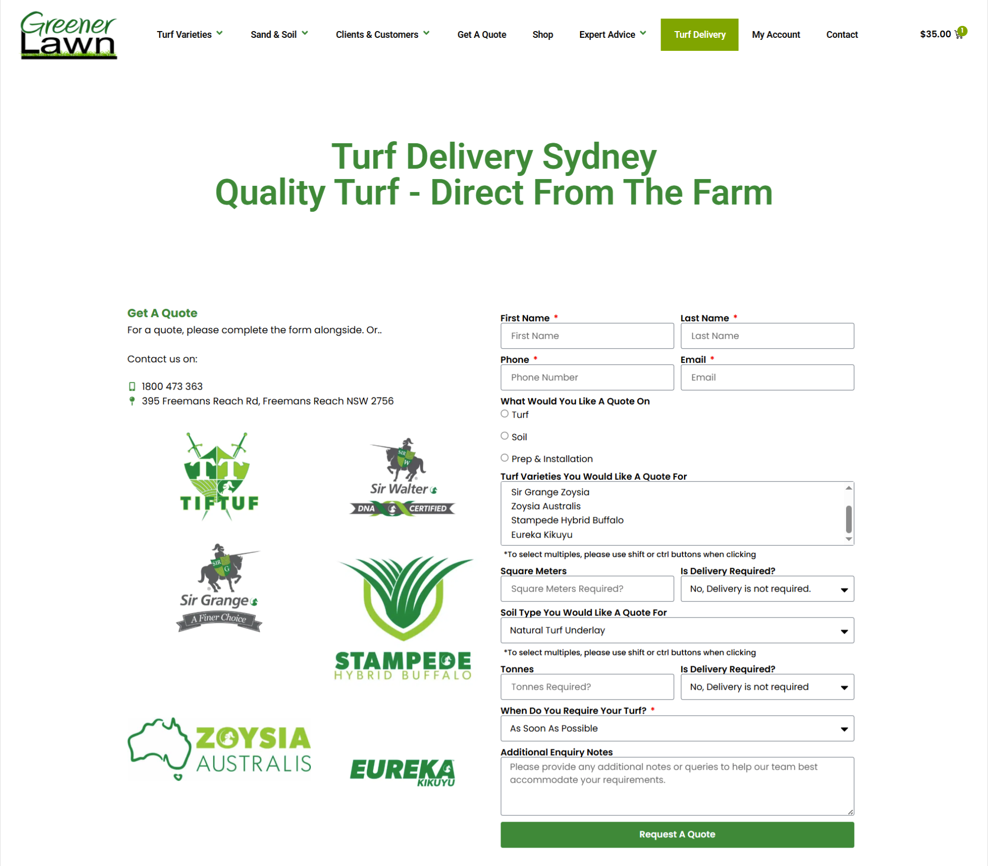
The business was Greener Lawn Supplies, a turf and lawn delivery operation. Their site ran a custom setup built around a Wholesale Delivery Tracker plugin, powering both a customer portal and a driver portal saved to each driver's phone like an app. Drivers got a daily trip list, automatic stop ordering, one-tap Google Maps hand-off, and live tracking that customers could watch from their order page. The system was actually well built. The problem was ownership: the original developer had gone silent, leaving no documentation and, as I suspected early, control over accounts nobody on the client side could reach. If you have inherited a site like this, my WordPress development and maintenance service is built for exactly these takeovers.
What I Proposed
Investigate first, quote second
I refused to put a number on the work before I understood the build. A custom portal and driver tracking meant real code, not off-the-shelf plugins, and a vanished developer usually means hidden dependencies. So I asked for a few hours to see how the portal was constructed, what handled the tracking data, and whether anything was tied to a third-party account the old developer still controlled. That last risk catches people out constantly, and it is why I never quote blind. You can read how I approach that discovery phase on my site audit and fixes page.
A phased, staging-first plan
The client had three requests: reverse the auto-arrange order to furthest-first, show customer delivery notes to drivers, and remove the manual copy-and-paste in live tracking. I wrote a plain-English proposal that grouped them into low-risk quick wins and one tracking decision. My recommendation was phased delivery to keep cost and risk down. Phase 0 to 1 covered a safe staging copy, full backups, and the two quick wins at a fixed $250. Streamlining the tracking to near a single tap (Option A) added $150, for $400 total. A fully hands-free driver app (Option C) was scoped separately at $1,800, capped at $2,500, and parked for the future. The client agreed to the $400 scope. For phased builds like this, see my custom WordPress and WooCommerce work.
The Build Process
Staging clone and full backup before anything went live
The first move was never negotiable. I created a safe staging copy of the site and took a full backup before a single line changed. Editing a live delivery system during business hours is how a small ticket becomes downtime, especially when orders and driver routing depend on it. Access itself was the first hurdle. The logins I was handed did not work, and the shared Google Drive was locked, so I flagged both with screenshots and waited for corrected access before starting. That patience mattered later.
The three changes
Once I was in, the work was clean. First, Auto-Arrange Stops was changed to run furthest-first, sending the driver to the farthest drop and working back toward base. I delivered it as a toggle so the team can switch between closest-first and furthest-first without more work. Second, the customer delivery notes left at checkout now display on each stop in the driver portal, highlighted for quick reading on a phone. Third, saving the live-tracking link became a single "Paste & Save Tracking Link" tap, collapsing a fiddly copy-and-save sequence into one button. Everything was tested on staging, then moved to the live site.
The Google Maps mystery that surfaced after delivery
After the three fixes went live, the client reported a separate fault: assigning orders to a driver was failing. He wondered if a plugin licence notice was the cause. It was not. I went through the codebase and found the real issue. When you assign orders, the tracker looks up each delivery address on Google Maps to place it on the route. That lookup was being refused, so trips saved but stops never attached. The root cause was billing: the Google Maps API key lived on a project whose free trial had expired, and that project traced back to the previous developer. This was the exact "tied to the old dev" risk I had raised on day one. Diagnosing issues like this is core to my WordPress troubleshooting and API service.
The Result
Three fixes live, milestone paid
All three brief items shipped, tested, and live. The client reviewed them and replied plainly:
"I had a look, and looks good. Good job."
He approved the milestone and released the $400, noting our history mattered:
"based off our past working history, i will do this for you."
On the separate Google Maps fault, the fix needed the account owner to upgrade the correct project from its expired trial to active paid billing. Once that was done, order assignment worked immediately. The client confirmed it himself:
"its working now, account had to be upgraded."
How tracking now reaches the customer
The driver's single tap now does two things automatically. It saves the trip link against the order, and it sends the customer their tracking link by email, plus SMS or WhatsApp where enabled. Because the link is Google's own live "Share Trip Progress" link, the driver's position and ETA keep updating in real time until delivery. The only manual step left is that one tap at the start of a run. Removing even that is the dedicated-app route we parked for later. If you want that kind of automation reviewed, start with my ongoing WordPress support plans.
Key Takeaway
Never edit a live system you didn't build — clone it first
Staging is not a luxury on an inherited site. It is the difference between a safe experiment and a public outage. Every change here was proven on a copy before it touched real orders. That discipline is why the go-live was quiet.
When a developer vanishes, the real risk is the accounts they controlled
The scary part of this project was never the code. It was the Google billing account nobody on the client side owned. Inherited sites often depend on API keys, licences, or servers registered to someone who has gone. Map those dependencies before you promise a timeline. The cleanest long-term fix is moving every service into the client's own accounts, so this cannot happen again.
Diagnose before you blame a plugin
The obvious suspect — a plugin licence notice — was a harmless red herring. The actual fault sat in Google's billing, two layers away. Reading the codebase instead of guessing saved days of chasing the wrong thing. If your site is throwing errors nobody can explain, my WordPress diagnostics and repair service exists to find the real cause.
Conclusion
Taking over an undocumented WordPress delivery portal is less about heroics and more about method. Clone before you touch, get permission in writing, map the accounts the old developer controlled, and prove every change on staging first. That approach let me ship three requested fixes cleanly, recover a broken Google Maps integration, and hand the client a system they finally understand and own. If you have inherited a WordPress site, lost a developer, or simply need someone steady to keep an ecommerce or membership build healthy, I would be glad to help. You can see the full range of what I do and start a conversation over at CodeSyte's services page.