
WordPress Website Migration to a New Host with Zero Downtime: A Real Client Case Study
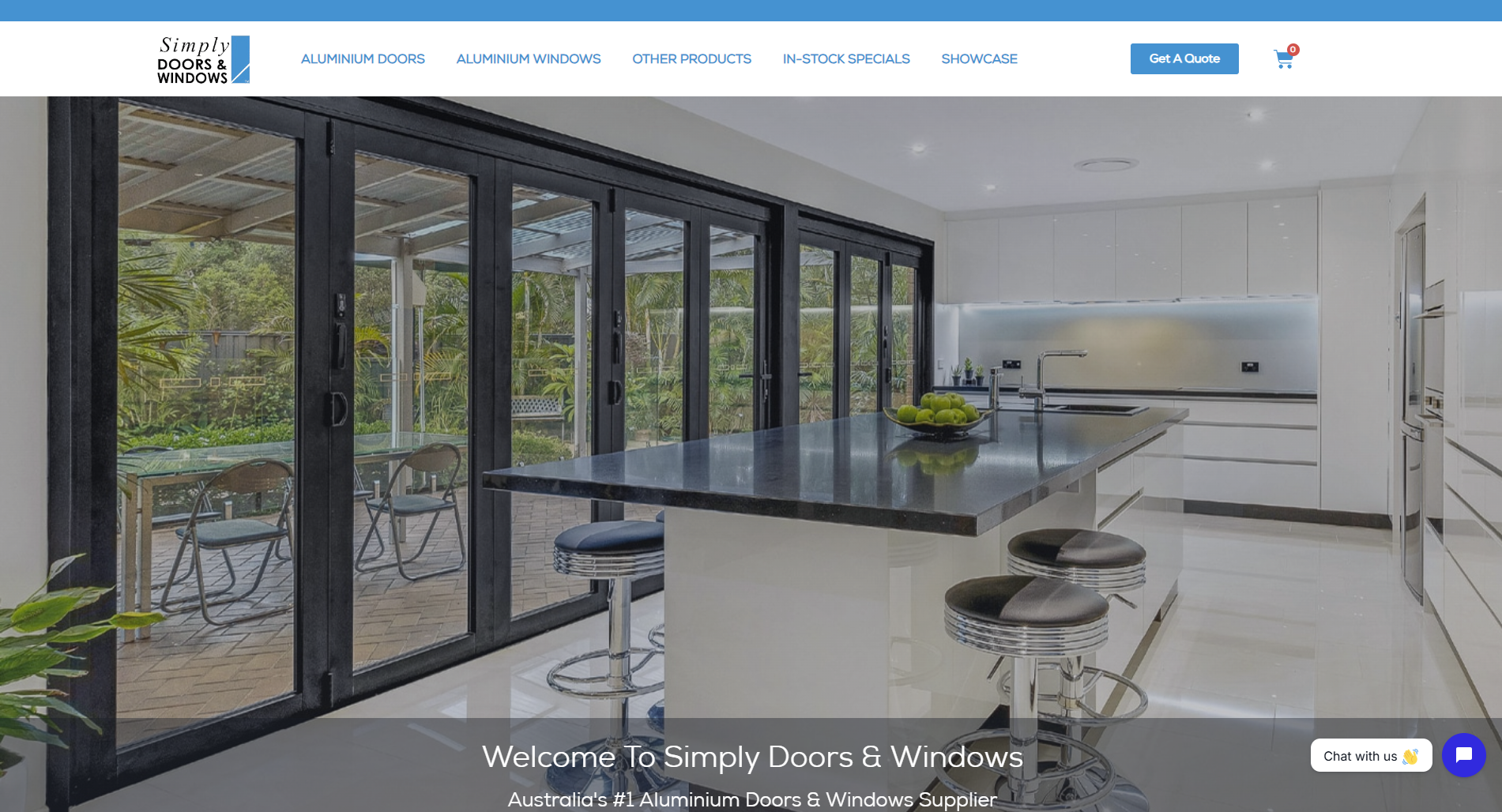
Moving a live business website to a new hosting company is one of those jobs that sounds simple until something breaks. One wrong step and your client's site goes dark, emails stop, or Google starts indexing the wrong domain. This post walks through a real WordPress website migration I completed for an Australian client in July 2026. He wanted his site copied to a new host and fully tested on a temporary domain before the live domain was touched. If you run a business website and you're nervous about switching hosts, or you're a developer planning your first migration, this case study shows exactly how a safe, zero-downtime transfer works in practice.
The Client & The Problem
Chris runs Simply Doors and Windows, an Australian business with its website at simplydoorsandwindows.com.au. He is a repeat client, which made the conversation easy from the first message. He reached out on Fiverr with a clear request:
"I do have to move simplydoorsandwindows.com.au website to a new host. Can you assist in this, I will pay for your time of course. I just want the website on the new web host, under simplydoorsandwindows.au, just to test everything first, before redirecting the URL simplydoorsandwindows.com.au."
Read that carefully, because it is a smarter brief than most clients give. Chris didn't just want the site moved. He wanted it running on a second domain (the shorter .au version) as a live test environment. The original .com.au site had to stay untouched on the old host the whole time. Only after he had personally tested everything would the old host be closed down.
Why this approach matters
Most failed migrations happen because someone moves DNS too early. The site gets repointed before anyone confirms the new copy actually works. Chris's plan removed that risk entirely. Two hosts, two domains, one safe handover. It's the same staged approach I recommend on my WordPress development services page for any business that can't afford downtime.
What I Proposed
My reply laid out a simple three-step plan. First, take a full copy of the site and database from the current host. Second, deploy it on the new host under simplydoorsandwindows.au and test everything. Third, only repoint the live .com.au domain once Chris confirmed he was happy.
To get started, I asked for two things: access to the current host so I could take a complete copy of the files and database, and access to the new hosting account, with confirmation that the .au domain was already registered and pointed there.
On pricing, I kept it transparent. I told Chris I'd track my time and give him a clear figure once I'd looked at the setup, so there would be no surprises. After reviewing both hosting accounts, I quoted $60 with a four-day delivery window and three revisions included. He accepted the custom offer the same day:
"Ok, send order. I will accept. So when the SSL is live, you can start. Remember I want the website live on current host still, so just copy the site over to new host."
Clear scope, clear price, clear conditions. That's how every project on my service catalogue starts.
The Build Process
No migration goes perfectly on the first attempt. This one hit three real-world snags, and each one is worth documenting because they come up constantly in hosting transfers.
Challenge 1: The new hosting logins didn't work
Chris sent over a document with credentials for both the old and new hosting accounts. The old cPanel worked fine. The new one rejected the password. I flagged it immediately rather than guessing, and Chris reset it within half an hour. Lesson: always verify every credential on day one, before you plan any work around it.
Challenge 2: Waiting on the SSL certificate
The new host needed an SSL certificate issued for simplydoorsandwindows.au before the copied site could load securely. Chris arranged it through his provider, who advised a four-to-eight-hour activation window. Rather than pushing files to an insecure domain, we paused. I checked back later, confirmed the certificate was active, and only then began the transfer. A migration tested over HTTP and launched over HTTPS is a migration tested wrong.
Challenge 3: The redirect problem
This was the most technical hurdle, and the most instructive. After the initial transfer, Chris tested the new .au domain and hit a wall:
"Why is it keep redirecting to https://simplydoorsandwindows.com.au/? It just meant to be https://simplydoorsandwindows.au for now. I need to be able to login WordPress. These need to be separate for now."
Here's why this happens. WordPress stores its site address inside the database. When you copy a site to a new domain, the database still says the site lives at the old address, so WordPress helpfully redirects every visitor back to it. On a normal migration that's harmless. Here, it defeated the entire purpose of the staging setup.
The fix was to update the site and home URLs for the new copy and clean up the internal references so the .au installation ran as a fully independent site. I then tested the frontend, the WordPress login, and internal navigation on my end before handing it back. Within a day I confirmed: all testing done, logins unchanged from the previous site. This kind of URL surgery is routine in the migration and maintenance work I do, but it's the step DIY migrations most often miss.
Tools and environment
The whole job ran through cPanel on both hosts: full file copy, database export and import, and configuration on an Australian data centre (Sydney) for local load times. No downtime windows, no plugins fighting each other, no changes to the live site at any point.
The Result
Four days after the order was placed, the complete site was live at simplydoorsandwindows.au, fully tested, with the original .com.au site still running untouched on the old host. Chris reviewed it and replied:
"Thank you, this looks good."
He also asked a great follow-up question. The hosting panel showed over 13 GB of storage used, while the website itself was only about 5 GB. Why the difference? I explained that the 13 GB figure is total account storage, not just website files. The database, backups, cache files, emails, logs, and system files WordPress needs all take space, and databases are stored separately from the site files. His response:
"Ok, that makes sense."
That exchange matters. A migration isn't finished when the files land; it's finished when the client understands what they're looking at in their new hosting account. Clear answers to "small" questions are part of the deliverable, and it's why clients come back. This was Chris's second project with me, and educating clients honestly is a core part of how I run CodeSyte's services.
Key Takeaway
If you take one thing from this case study, take this: never migrate directly onto your live domain. Stage the new copy on a separate domain or subdomain, test it completely, and only then repoint DNS. It costs a few extra hours and saves you from the migration horror stories you read about.
Three practical lessons from this project. Verify all credentials before scheduling any work, because dead logins are the number one cause of delays. Wait for SSL to be active before transferring, so you test the site exactly as visitors will see it. And expect WordPress to redirect to its old address after any domain change, because fixing the database URLs is a required step, not an optional one.
Finally, keep the old host alive until the client has personally signed off on the new one. The client closes the old account, not the developer. That final decision should always sit with the business owner.
Need Your Website Moved Safely?
A hosting migration done right is invisible: your visitors never notice, your rankings don't move, and your site simply gets faster or cheaper to run. A migration done wrong can take a business offline for days. If you're planning to switch hosts, want a staging copy of your site for testing, or need help untangling a migration that's gone sideways, I'd be glad to help. Take a look at my WordPress migration and development services, or reach out through codesyte.site/service/ and tell me about your setup. Like Chris, you'll get a clear plan, a fixed price, and a site that's tested before anything live is touched.